Vocabulary review that feeds future prep.
Auto-generate flashcard sets from any worksheet. Students study through their Hub with SM-2 scheduling logic, and each word/card can add vocabulary retention context for the next prep cycle.
Try Free: No Credit Card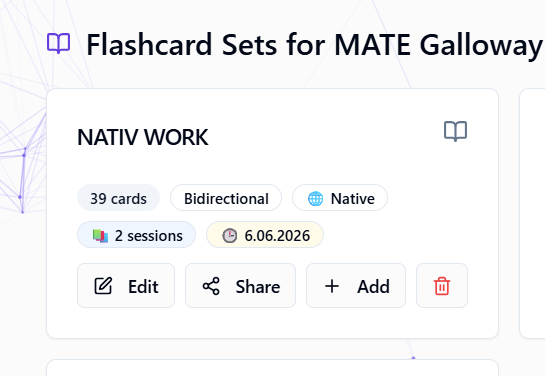
Where this feature fits in Edooqoo
Each feature is one part of the same student learning loop: setup, DSLM decision support, lesson-time signals, and the next prep cycle.
Prep decision
Lesson signals
Turns selected lesson work into submitted answers, evaluations, and review context.
Tracks word/card-level vocabulary practice and SM-2 retention progress per student.
Lets students answer shared worksheets while the teacher sees lesson evidence in real time.
Part of the Edooqoo DSLM Ecosystem
Flashcard work supplies word/card-level vocabulary retention context. It supports future prep without replacing teacher review.
What flashcards add to the learning loop
A broad vocabulary goal becomes concrete when each word or phrase is tracked as a card-level item. SM-2 progress then shows which vocabulary needs more exposure between lessons.
Word/card item
A card represents a concrete vocabulary item, phrase, or expression.
Retention progress
Reviews update due dates, quality rating, response time, and mistake counts.
Prep context
The next lesson can keep vocabulary continuity visible for teacher review.
What it does in the workflow
SM-2 scheduling logic
Spaced-repetition scheduling based on SM-2 logic. Cards the student struggles with appear more often.
Auto-generated from worksheets
One click creates a flashcard set from any worksheet. Vocabulary, key phrases, grammar patterns, extracted automatically.
Word-level skill context
Each word/card can act as a vocabulary nano-skill context item while SM-2 progress records retention behavior.
Student Hub access
Students study through their Hub; no app needed. Share via link. Track progress in real-time.
How it works
Generate a worksheet
Create any worksheet with vocabulary, grammar, or mixed exercises.
Create flashcards with one click
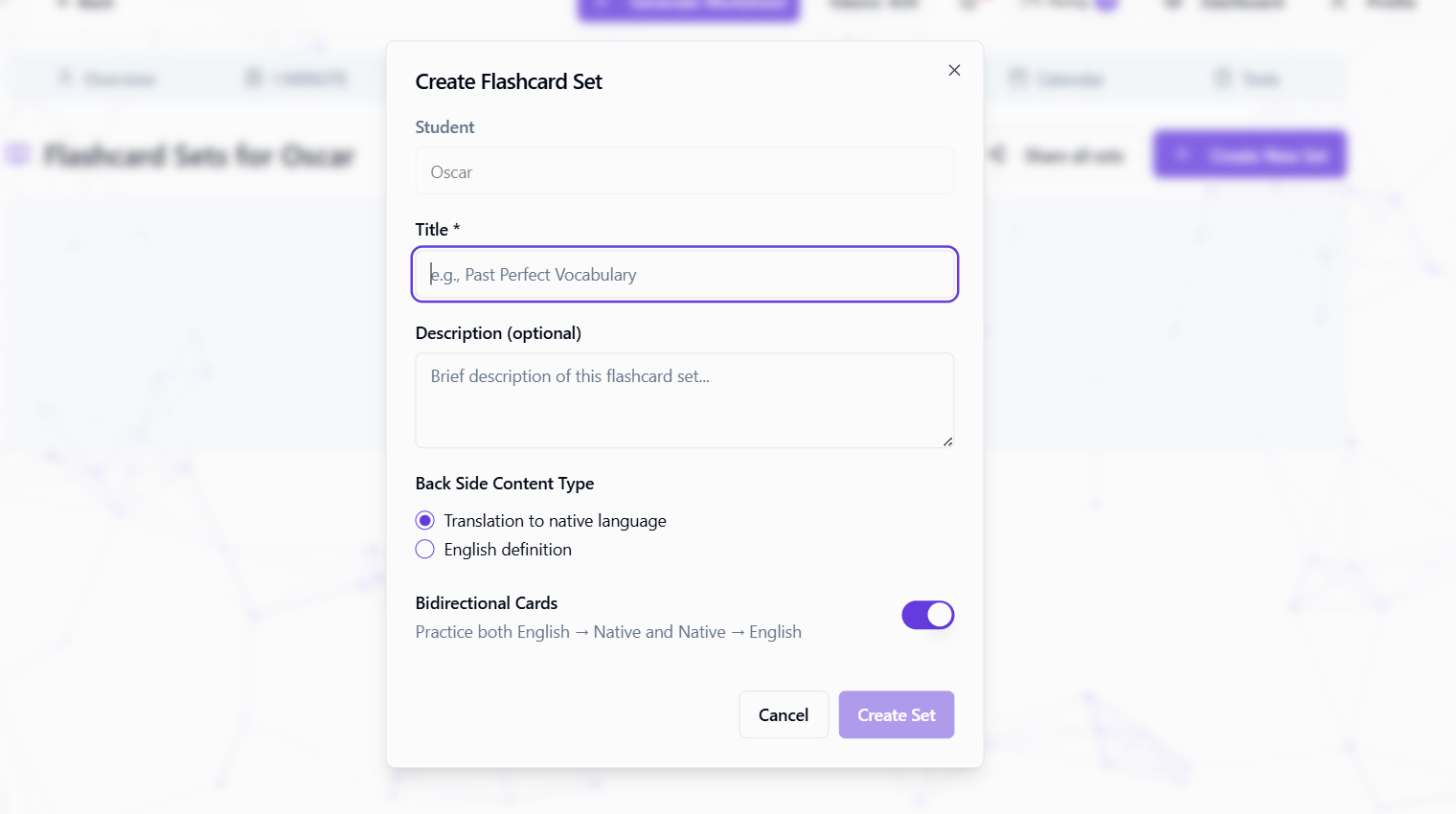
Click "Create Flashcards": Edooqoo extracts key vocabulary and creates a set automatically. You can edit, add, or remove cards.
Share with the student
Send a link or let students access through Student Hub. No account needed: just email-based access.
SM-2 schedules reviews
Students rate difficulty (Again/Hard/Good/Easy), and the system schedules harder cards more frequently.
Flashcards: Edooqoo vs alternatives
| Feature | Edooqoo | Anki | Quizlet |
|---|---|---|---|
| Auto-generate from teaching content | |||
| SM-2 spaced repetition | |||
| Integrated with student progress tracking | |||
| Teacher can share sets per student | Manual | ||
| No student app/account needed | |||
| CEFR-tagged cards | |||
| Bidirectional practice |
Frequently Asked Questions
Build vocabulary continuity between lessons
Auto-generate flashcards from your worksheets and use review signals for future prep. Start free.
Get Started Free