Assign homework and review AI-assisted evaluation.
Edooqoo supports homework submission, AI-assisted answer evaluation, and teacher review for open-ended writing and structured exercises.
Try Free: No Credit Card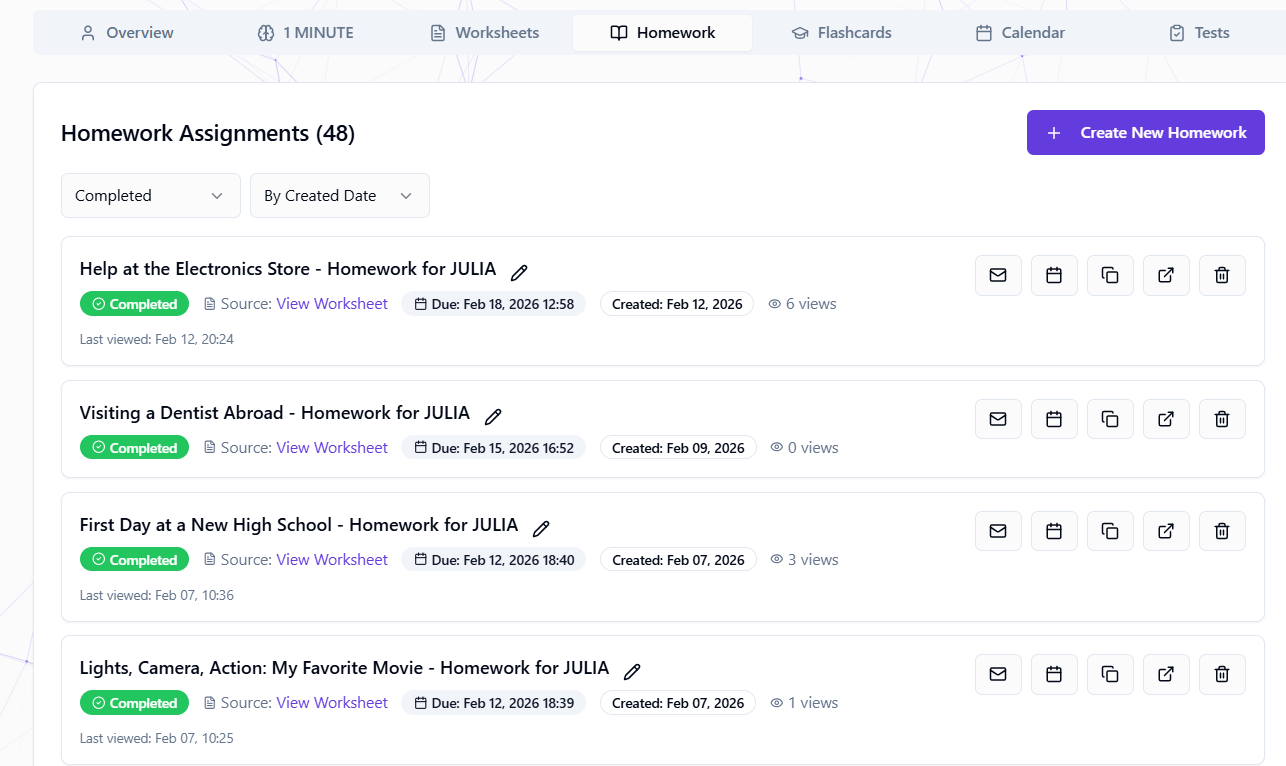
Where this feature fits in Edooqoo
Each feature is one part of the same student learning loop: setup, DSLM decision support, lesson-time signals, and the next prep cycle.
Prep decision
Lesson signals
Turns selected lesson work into submitted answers, evaluations, and review context.
Tracks word/card-level vocabulary practice and SM-2 retention progress per student.
Lets students answer shared worksheets while the teacher sees lesson evidence in real time.
Part of the Edooqoo DSLM Ecosystem
Reviewed homework results can feed the Dynamic Student Learning Model, giving Edooqoo more context for the next prep cycle.
Homework closes the lesson loop
The teacher can assign selected lesson exercises or generated follow-up exercises. Submitted answers, item evaluations, mastery-like scores, and teacher review become context for the next prep cycle where supported.
From lesson
Choose worksheet exercises or generate follow-up practice from the lesson focus.
Student submission
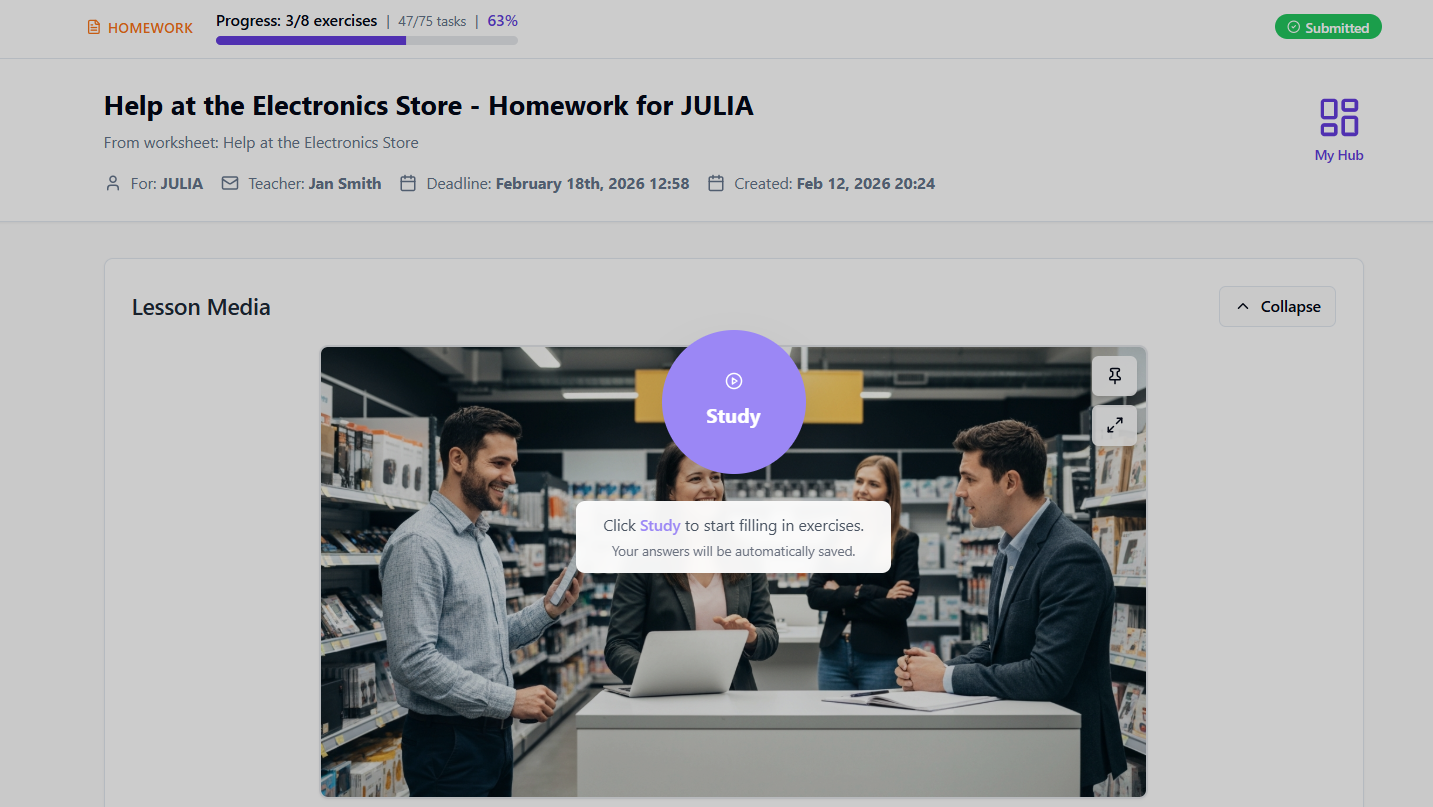
The student answers online, with progress and supported AI-assisted evaluation state saved.
Teacher review
The teacher reviews the result before using it as evidence for the next decision.
What it does in the workflow
Structured review workflow
AI can pre-evaluate open-ended answers, vocabulary, grammar, and reading exercises. You review and confirm results.
Instant feedback
Students see their results immediately after submitting. No waiting for the next lesson to know how they did.
Consistent review support
AI-assisted scoring gives you a first pass to review, adjust, and confirm with your professional judgement.
DSLM integration
Reviewed homework results can become learning signals for the next prep cycle.
How it works
Generate a worksheet
Create a worksheet for your student with any combination of 29 exercise types, then review it before assignment.
Assign as homework
Click "Send as Homework." Set a deadline, add optional notes. Student receives an email with a direct link.
Student completes it online
Interactive interface: fill gaps, drag & drop, write essays, record audio. Progress auto-saves.
AI assists evaluation
Objective exercises can be auto-checked. Open-ended answers can receive AI-assisted feedback for teacher review.
You review and adjust
See all results in one view. Override AI scores if needed. Add teacher comments. Mark as reviewed.
Homework review: Edooqoo vs alternatives
| Feature | Edooqoo | Google Classroom | Manual |
|---|---|---|---|
| AI-assisted open-answer review | |||
| Integrated with worksheet generator | |||
| Student progress tracking | Basic | ||
| Email notifications | |||
| Deadline management | |||
| No student account needed | |||
| Homework review signals for DSLM |
Frequently Asked Questions
Review homework faster
Use AI-assisted evaluation, teacher review, and student signals for the next prep cycle. Start with 2 free worksheets.
Get Started Free